
Gantt Charts for Client Presentations
Show the work, sequence, and decision dates on one timeline. Prepare the chart in GanttFlow, then export a fixed view for the deck or deliverable.
Free includes one browser-saved project and PNG export with a GanttFlow watermark.
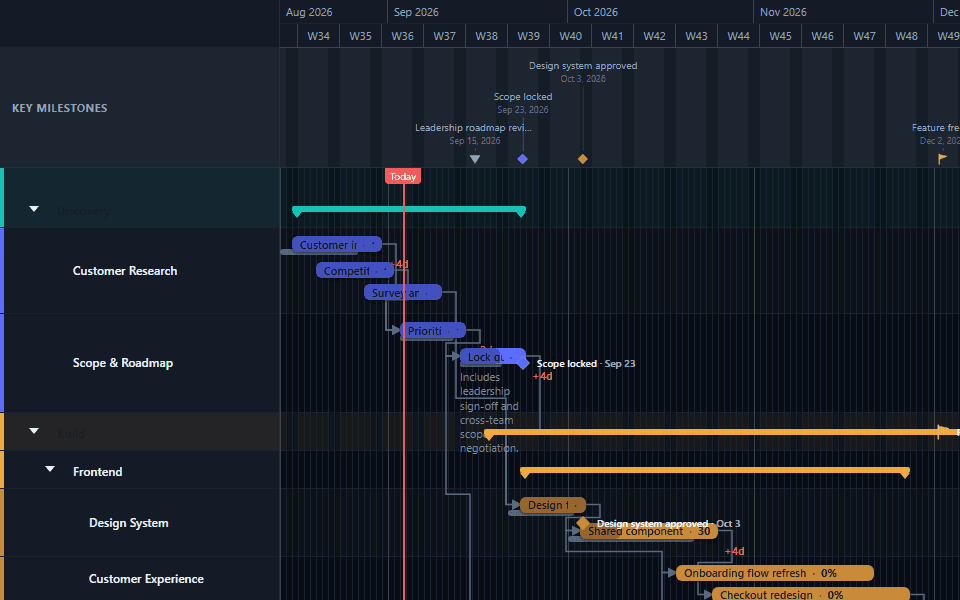
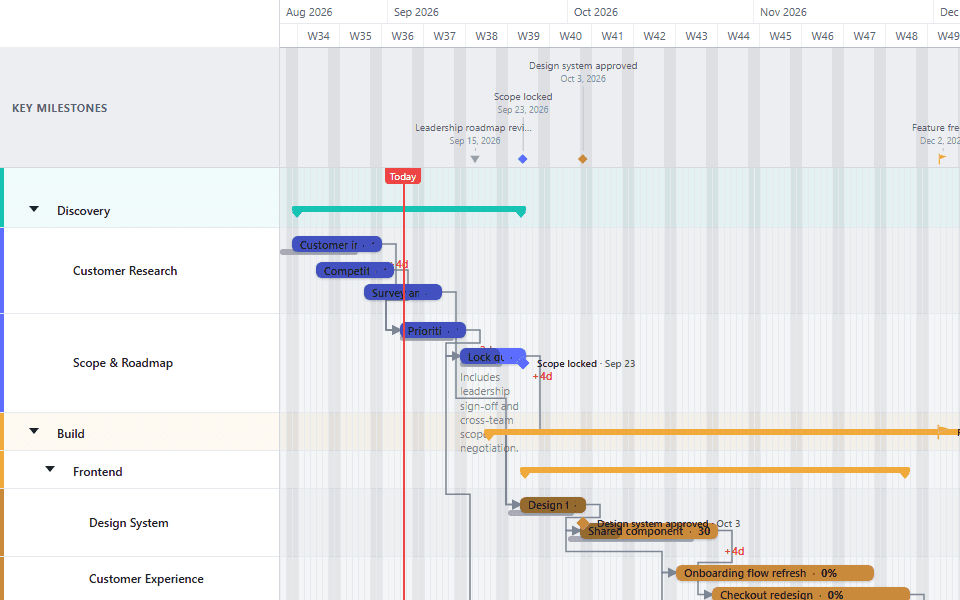
Build the view around the client decision
A proposal deck needs the phases, handoffs, and dates that affect scope or confidence. A kickoff deck needs owners, sequence, and the first committed milestones. A steering deck needs current dates, baseline variance, and the few changes that need a decision.
Use one chart at several levels
Keep the working detail in the project. Collapse sub-lanes and zoom out before export so the client sees a readable summary. Export a second detailed view when the delivery team needs the underlying tasks.
- Proposal: phases, major dependencies, and the target outcome.
- Kickoff: workstreams, approvals, and the first delivery milestone.
- Status review: current planned dates, progress, and baseline variance.
Choose the export for the job
Use PNG when the chart belongs inside PowerPoint, Google Slides, a status email, or a document. Use PDF when the chart itself is the client deliverable or needs to be printed and archived.
Start from an example
The Executive Roadmap template suits a concise leadership discussion. The Project Portfolio template suits a multi-project review. Template schedules are illustrative, and applying a template requires Pro.
Follow the PowerPoint export guide for the PNG workflow, or the PDF export guide for a standalone deliverable.